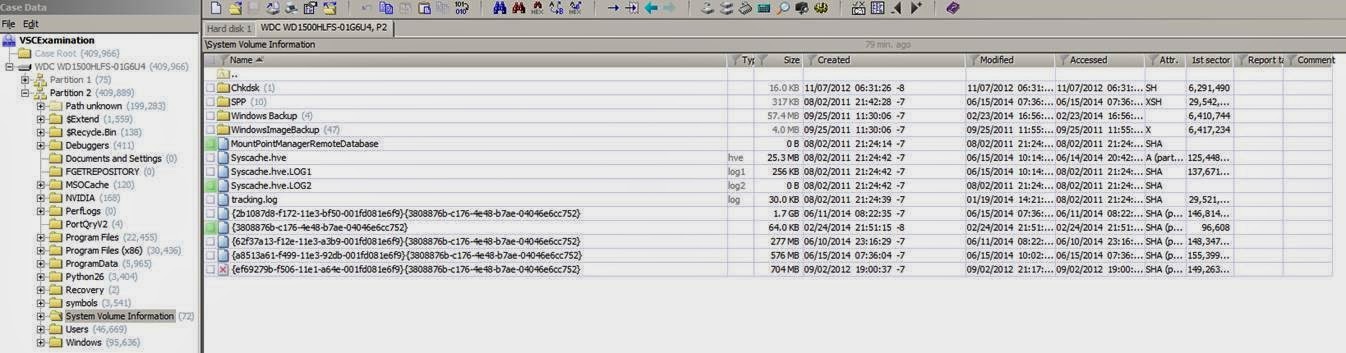
{GUID}_OnDiskSnapshotProp files, in the \System Volume Information\SPP\OnlineMetadataCache are another file type that can provide information about shadow copies. You have pointed these out on your blog this past week. The GUID portion of the file name will match the GUID of the shadow copy set ID that you see when you run VSSadmin.exe. The file created date of the {GUID}_OnDiskSnapshotProp file will closely, but not exactly, match the date of the corresponding shadow copy. As shown below, examining the internals of a {GUID}_OnDiskSnapshotProp file will indicate the the date and time of a shadow copy within a few seconds to a minute, as well as the reason the shadow copy was created.
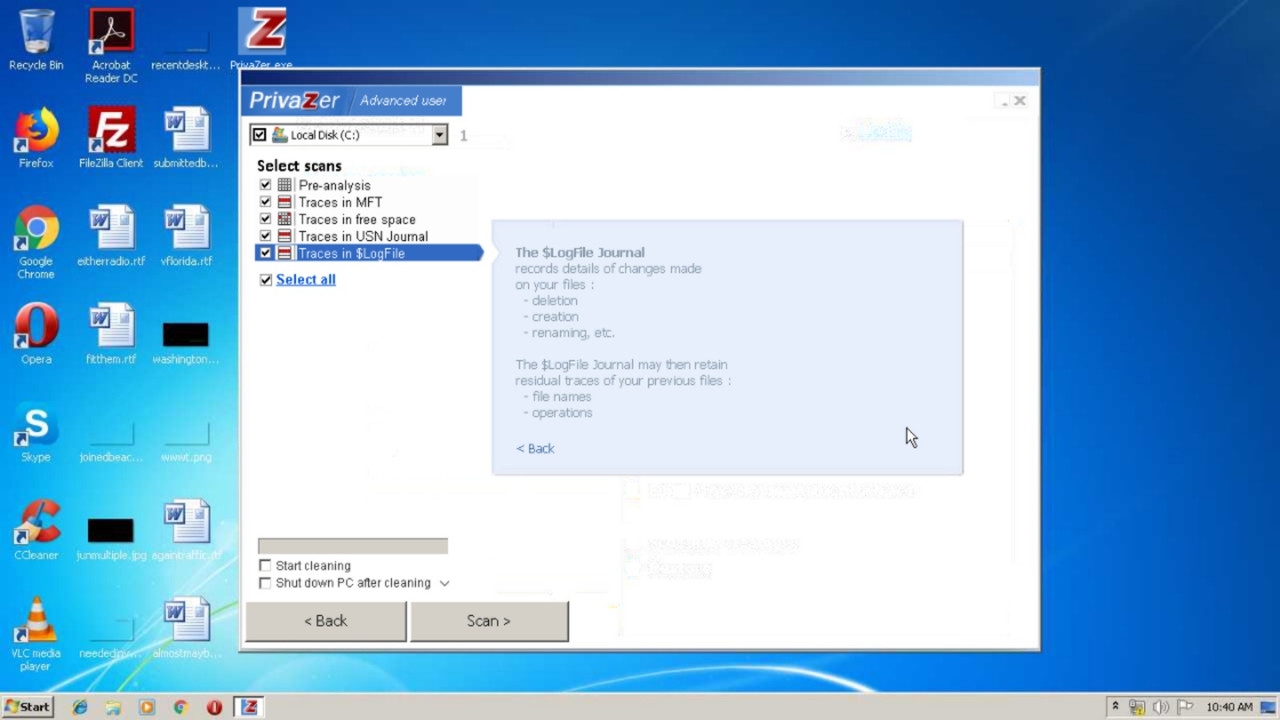
You may clean MFT traces by cleaning free drive space. The help page Wiping Free Disk Space explains how. You may clean either MFT traces alone or together with free disk space by selecting the What to wipe option.
We're going to implement the rest of requests in our future releases. We need some additional time to test them against possible system instability.
Alt wrote: Mon Jan 20, 2020 9:18 am
You may clean MFT traces by cleaning free drive space. The help page Wiping Free Disk Space explains how. You may clean either MFT traces alone or together with free disk space by selecting the What to wipe option.
We're going to implement the rest of requests in our future releases. We need some additional time to test them against possible system instability.
Thank you so much. I'm waiting. I love r-wipe so much.